

HTML tags for grouping content

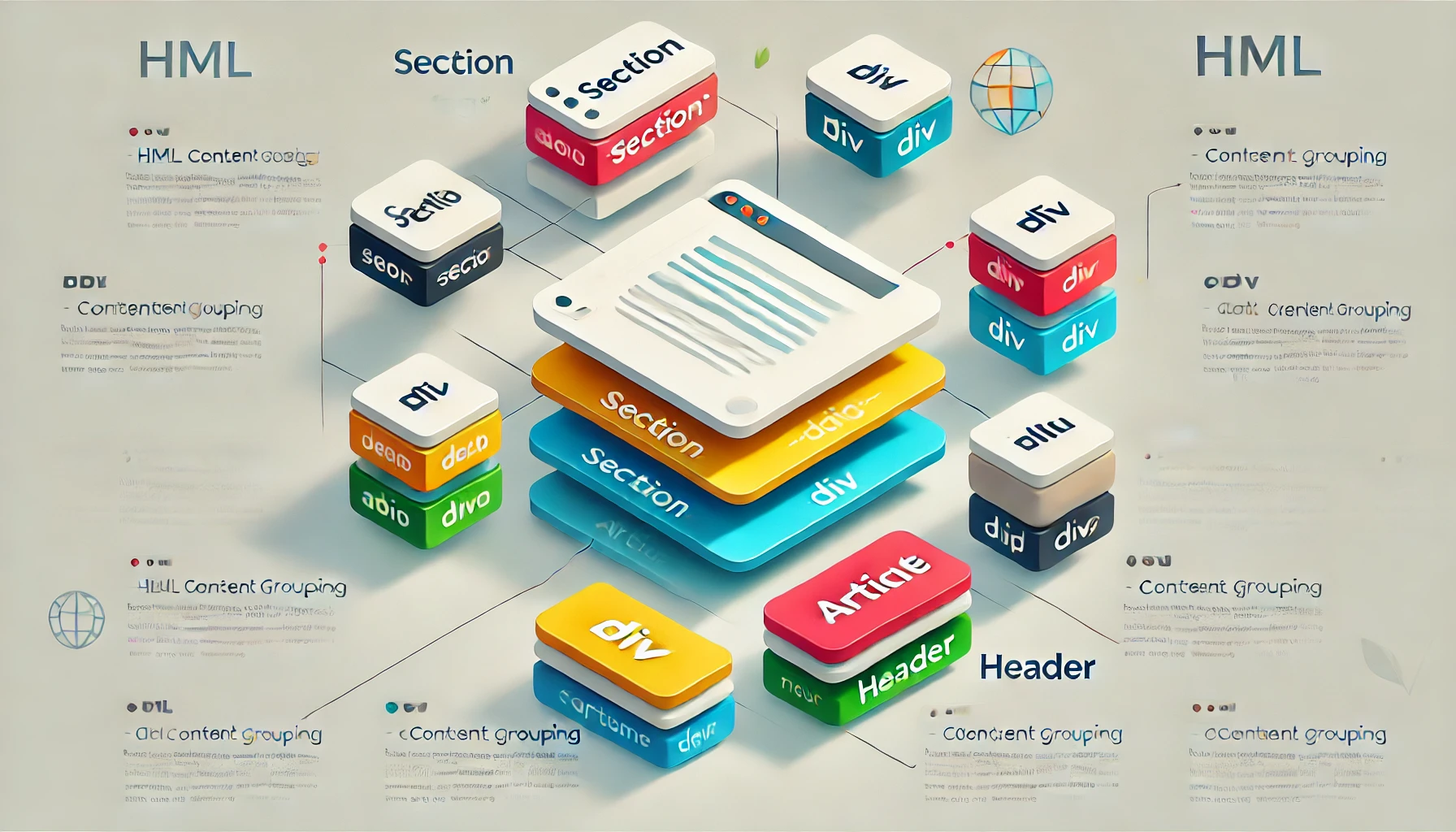
What are tags for grouping content? It is often necessary to group parts of the content of the page so that it can be distinguished from other parts (eg menu, content, article…) and to be able to define a specific size and position for it on the page through CSS. Grouping is simply done by … Read more

An introduction to the basics of HTML

What is HTML? HTML (Hypertext Markup Language) is a descriptive language for marking specific parts of the web page content (so-called markup language). Who uses these content tags? These content tags are used by browsers, because only when they “see” the corresponding html tag they know what type of content is in question (whether it … Read more

Basic HTML tags

Heading tag <h1> to <h6> Title names are placed inside these tags. The largest (main) heading is marked with <h1>  while the smallest title is marked with <h6> tag. See the Pen Titles in html by Web programming (@chos) on CodePen. Paragraph tag<p> This tag is used to place inside it plain text that is of … Read more

Collecting data from a form with the FormData interface

Introduction

js this

Using the FormData interface makes working with forms quite easy, because it is able to simply pick up all the input values in the form and store them in an object as key/value pairs.
An additional advantage over the standard method is related to easier writing of server code. With the standard method we have to add a certain code on the server side that would process the incoming data in a specialized way, while with FormData it is not necessary, because the code sent is standardized and debugged! It should be emphasized that in the form all HTML input tags must have the ‘name’ attribute, because FormData has access to the input values through it.

Read more

Structured marking
(Structured Data)

What is structural markup?

image ×

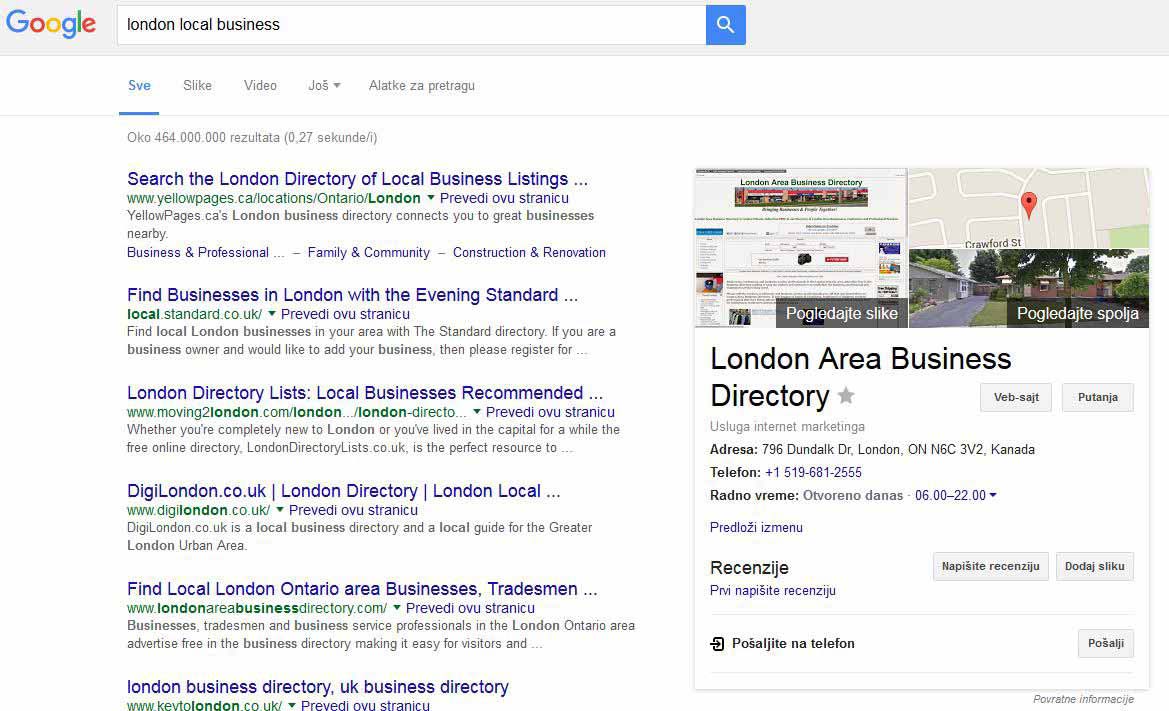
Structured data markup (eng.“Structured data markup”) is an additional way of marking web page content. It allows machines (read: search engines) to better understand the content of a web page, and therefore to better display search results related to that page (see image).

Structural content markup is implemented using the knowledge that different types of content have their own specific properties. Those specific features of the content are collected in one place in the form of dictionary (eng.vocabulary). Dictionaries are sets of property/value pairs that describe content in more detail. The major search engines Google, Microsoft and Yahoo have agreed to standardize the properties in a single dictionary called schema.org. Each specific type of content has its own set of pairs, so restaurant-related content is described by the following properties:

  • working hours
  • address
  • reservations
  • menu

while the content related to the term book is described by the following features:

  • number of pages
  • ISBN book number
  • who is the illustrator

Property names standardized within the schema.org dictionary can be inserted into web pages via three different syntaxes:

  • Microdata
  • RDFa
  • JSON-LD

The choice of syntax is left to the programmer and his personal choice.

Read more

Installation of web development tools

Introduction

alati

This article serves as a reminder to a web developer to install all the necessary tools to work on a new or reinstalled computer. The installation of the tools that I personally use as well as some of their basic settings are described in detail. Web development covers a large number of different technologies and programming languages, therefore the list of required applications is also large.

Read more

Structured Data (Schema.org)

What is structured data markup?

slika ×

Structured data markup (eng.“Structured data markup”) is an additional way to mark up website content. It enables machines (read: search engines) to better understand the content of a web page, and thereby display search results related to that page more effectively (see the image).

Structured content markup is implemented using the knowledge that different types of content have their own specific characteristics. Those specific content characteristics are collected in one place in the form of a vocabulary (eng. vocabulary). Vocabularies are sets of property/value pairs that describe content in more detail. The major search engines Google, Microsoft, and Yahoo agreed to standardize properties into a single vocabulary called schema.org. Each specific content type has its own set of pairs, so content related to a restaurant is described by the following properties:

  • opening hours
  • address
  • reservations
  • menu

while content related to a book is described by the following properties:

  • number of pages
  • ISBN number
  • illustrator

Property names standardized within the schema.org vocabulary can be embedded in web pages through three different syntaxes:

  • Microdata
  • RDFa
  • JSON-LD

The choice of syntax is left to the developer and their personal preference.

Read more

Grouping Content with HTML Tags

Which Tags Are Used for Grouping Content? It is often necessary to group parts of page content to distinguish them from other parts (e.g., menu, content, article…) and to define their specific size and position on the page using CSS. Grouping is simply done by placing content within an appropriate grouping tag. By default, none … Read more

Basic HTML Tags

<h> Tag Heading tags are used to mark titles and headings on a page. The largest and most important heading is marked with <h1>, while the smallest heading is marked with the <h6> tag. See the Pen HTML Headings by Web programiranje (@chos) on CodePen. <p> Tag The paragraph tag is used to place regular, … Read more

Introduction to HTML Basics

What is HTML? HTML (Hypertext Markup Language) is a descriptive language used to mark up specific parts of a web page’s content (a so-called markup language). Who uses these content markers? These content markers are used by browsers. Only when they “see” the appropriate HTML tag do they know what type of content they are … Read more